

8555bet Profile: How to Set Up and Manage Your Account
Your 8555bet profile controls your account details, security settings, and transaction history. A properly set up profile keeps your funds safe and makes deposits, withdrawals, and bet tracking easier check our main guide. This guide covers every section inside the 8555bet Profile menu, step by step.
How to Access Your 8555bet Profile
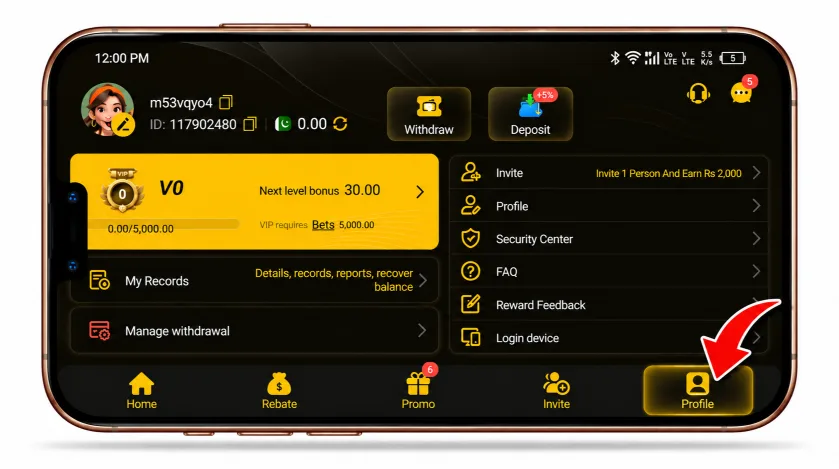
Log in to your 8555bet account and tap your avatar in the top left corner. From the bottom menu, select Profile. This opens your account settings, where you can edit your display name, check your records, and manage security.
Setting Up Your Display Name and Date of Birth
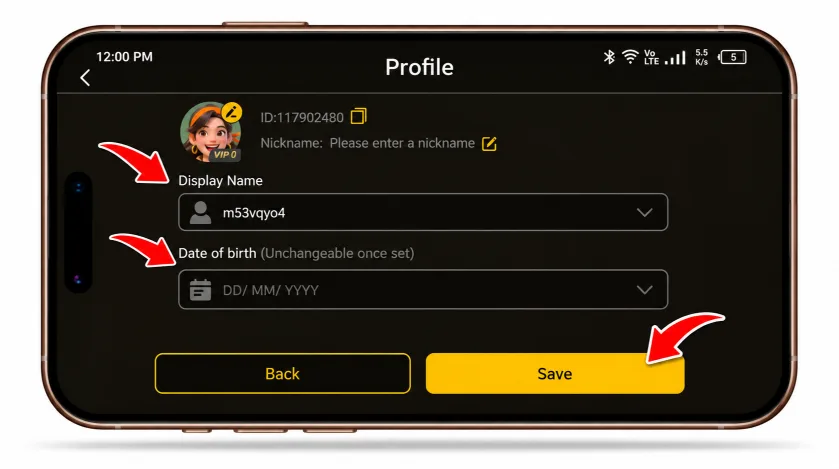
Inside the Profile page, you will see your account ID and a field to set a nickname. Below that, you can set your Display Name and Date of Birth.
Note that once you set your date of birth, you cannot change it. Double check the details before saving.
Securing Your Account: 8555bet Security Center
The Security Center is the most important part of your profile. It shows which safety features are active and which ones still need setup.
Mobile Phone Verification
Add a mobile number to your account. This adds an extra layer of protection and helps with account recovery if you lose access.
Email Verification
8555bet requires a linked and verified email. This is used for login alerts and password resets.
Google Authenticator
You can link Google Authenticator for two-factor authentication. This adds a time based code on top of your password, making it harder for anyone else to access your account.
Login Password
Your login password protects account access. Change it regularly and avoid reusing passwords from other sites.
Withdrawal Password
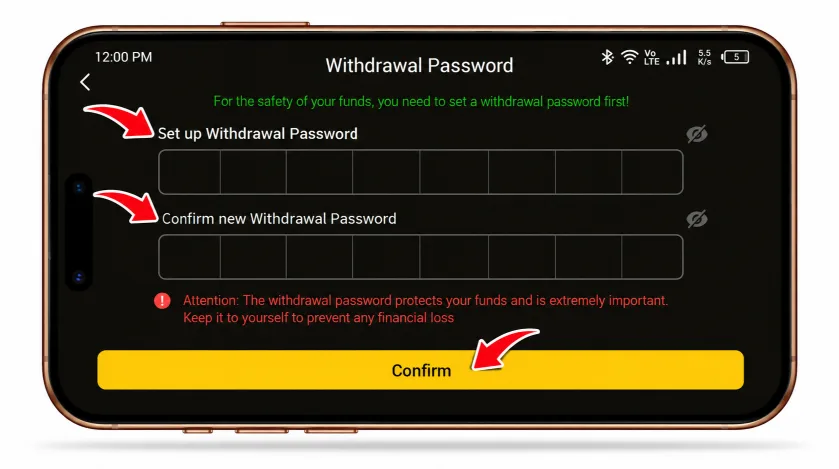
8555bet requires a separate six digit withdrawal password before you can request a withdrawal. This password is different from your login password and adds a second checkpoint for fund security. To set it, go to Manage Withdrawal inside your profile, enter a new six digit code, then confirm it. If you have questions about passwords, account verification, or other account-related issues, see our 8555bet account and security FAQs for quick answers.
Security Question
Setting a security question gives you another way to verify your identity if you get locked out of your account.
Checking Your Records
The My Records section under your profile gives a full breakdown of your account activity.
Statement
Shows your current balance and lets you filter transactions by date, account change type, or category.
Bet Record
Lists your betting history. You can filter by status, bet type, and platform.
Report
Displays your total win/loss, total bets placed, total valid bets, and total bet count for a selected period.
Retrieve Balance
If your balance gets stuck while entering or leaving a game, this tab lets you recover it yourself. Only full number amounts can be recovered; leftover decimal balances need customer support.
Managing Withdrawals
Under Manage Withdrawal, you can view your withdrawal history and total withdrawal amount. This is also where you set up your withdrawal password for the first time, which is required before any withdrawal request goes through.
Login Device and Session Management
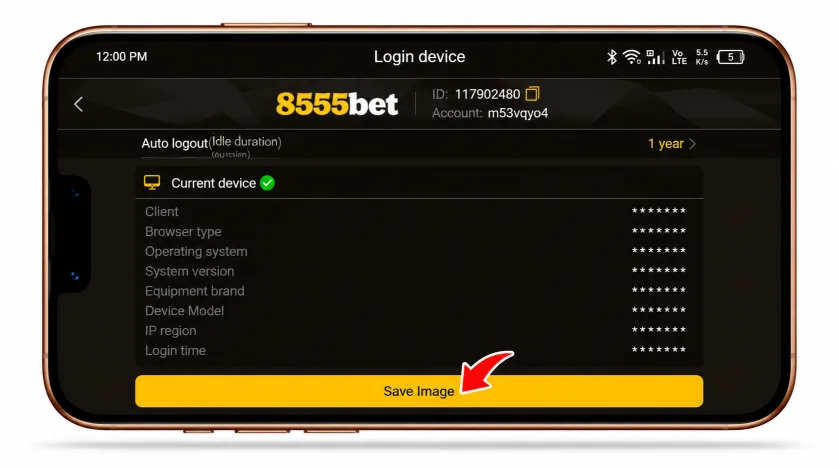
The Login Device page shows details about your current session, including:
- Client version
- Browser type
- Operating system
- Device model
- IP region
- Login time
You can also set an auto logout duration here, which controls how long the app keeps you logged in during inactivity. This is useful for shared devices.
Submitting Reward Feedback
Inside the Message Center, the Reward Feedback tab lets you report bugs, suggest improvements, or flag issues directly to the platform. You can attach screenshots or short videos to support your feedback.